- Language
Network Rack 42U Cable Routing
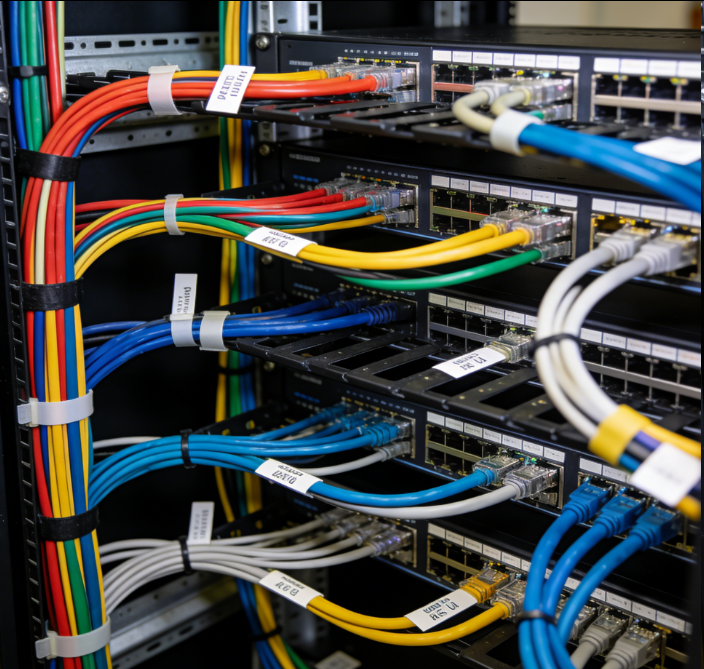
Cable routing in a 42U network rack is a critical aspect of network infrastructure management, as it directly impacts the performance, reliability, and maintainability of the network. With the vast number of devices that can be installed in a 42U rack, including servers, switches, routers, and storage arrays, proper cable routing is essential to ensure organized connections, minimize signal interference, and facilitate easy access for maintenance and upgrades.
A well - designed 42U network rack comes with a variety of built - in features to assist with cable routing. Horizontal cable managers are commonly installed above and below the equipment mounting rails. These managers consist of a series of slots or channels where cables can be neatly routed and secured as they connect to the front - facing ports of the devices. By using horizontal cable managers, cables are kept organized, preventing them from drooping or tangling, which could potentially cause signal degradation or damage to the cables over time. For example, Ethernet cables connecting servers to switches can be easily routed through these managers, ensuring a clean and orderly appearance.
Vertical cable managers are another important component for cable routing in a 42U rack. Mounted along the sides of the rack, they provide a structured pathway for cables that run up and down the rack. This is particularly useful for cables that need to be connected to devices at different heights, such as power cables for multiple servers or network cables for a stack of switches. Vertical cable managers help in separating different types of cables, such as data cables and power cables, to reduce the risk of electromagnetic interference. They also make it easier to identify and trace individual cables, which is crucial for troubleshooting network issues.
In addition to cable managers, some 42U network racks may feature cable trays or ladders. Cable trays are flat, open - bottomed structures that are installed on the top or bottom of the rack. They provide a large surface area for routing and supporting multiple cables, making them ideal for high - density cable installations. Cables can be laid out in the tray, and then routed to the appropriate devices through the cable managers. Cable ladders, with their rung - like structure, offer a similar function but are more suitable for heavier cables, as they can distribute the weight evenly. These cable - supporting structures simplify cable routing, especially for large numbers of cables, and make it easier to add, remove, or replace cables as the network infrastructure evolves.
Proper cable routing also involves considering the type of cables and their specific requirements. For example, fiber optic cables are more delicate and require careful handling to avoid bending or crushing, which could disrupt the signal. Power cables need to be separated from data cables to prevent electromagnetic interference. By following best practices for cable routing and using the available cable management features in a 42U rack, network administrators can ensure a well - organized, efficient, and reliable network infrastructure. This not only improves the performance of the network but also reduces the time and effort required for maintenance and troubleshooting.
Read recommendations:
LEG 77210 Multi-support Single Socket Mosaic German Std - 2P+E w/o Shutters with Screw White
Smart Switch Outlet 2 Gang with Wireless APP Remote Control Compatible with Legrand Faceplate
-
-
-
-
-
-
-
-
-
-
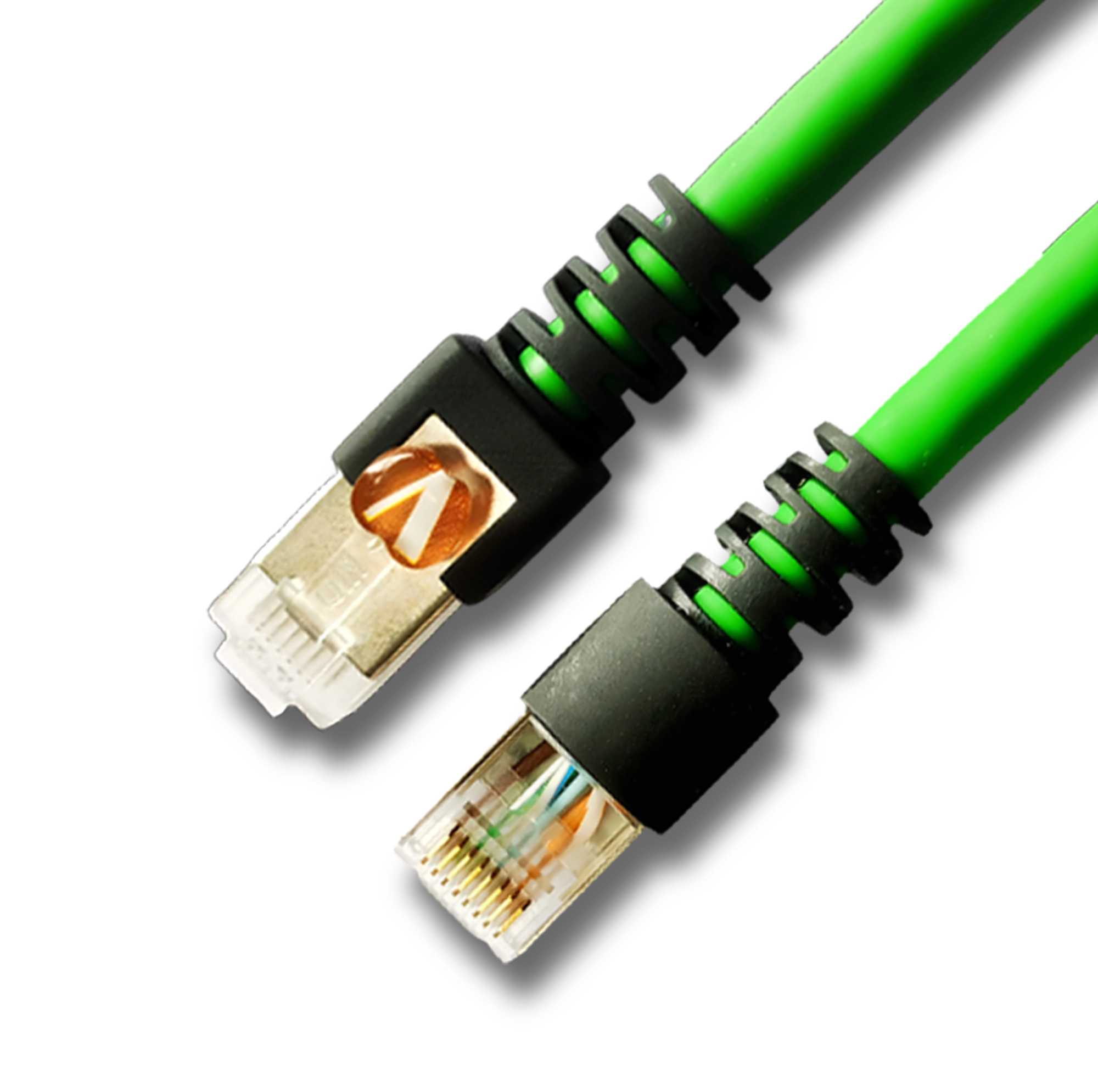
Network Patch Cord Cat8
Oct 23, 202592
-
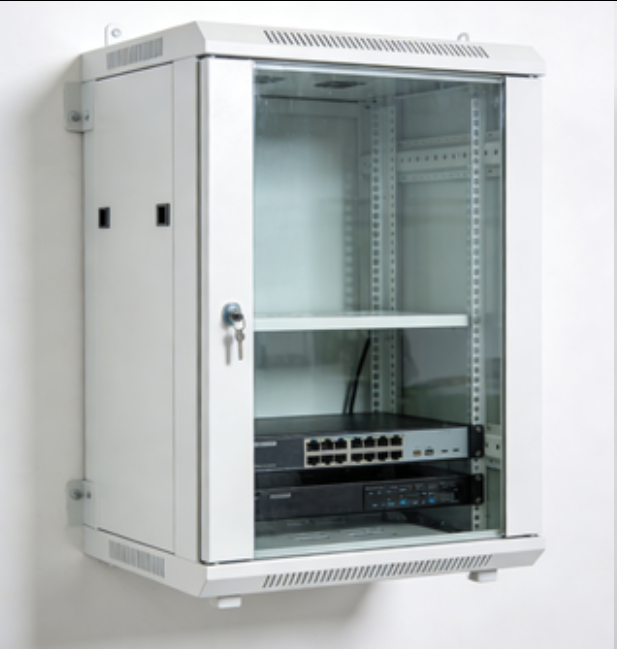
Network Rack Wall Mount with Glass Door
Jan 07, 202679
-
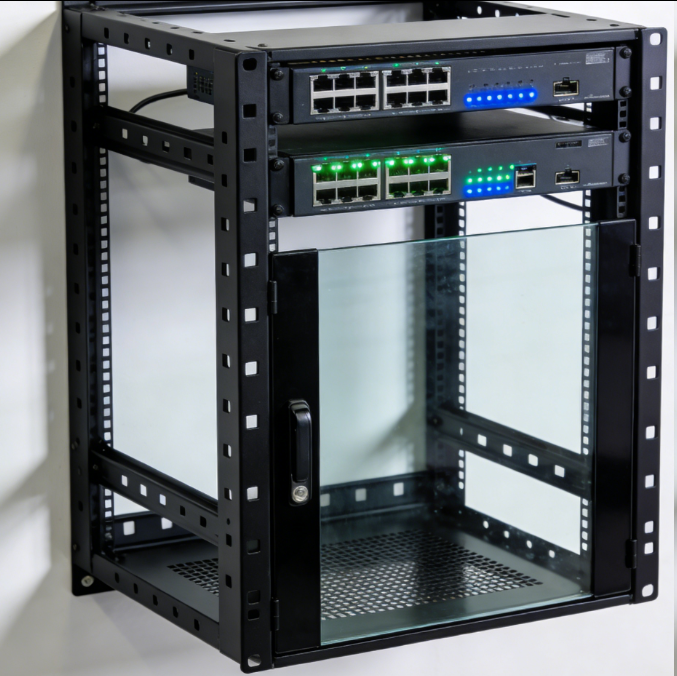
Network Rack Wall Mount 9U
Jan 06, 202675
-

Network Cable Management Tray
Oct 30, 202573
-
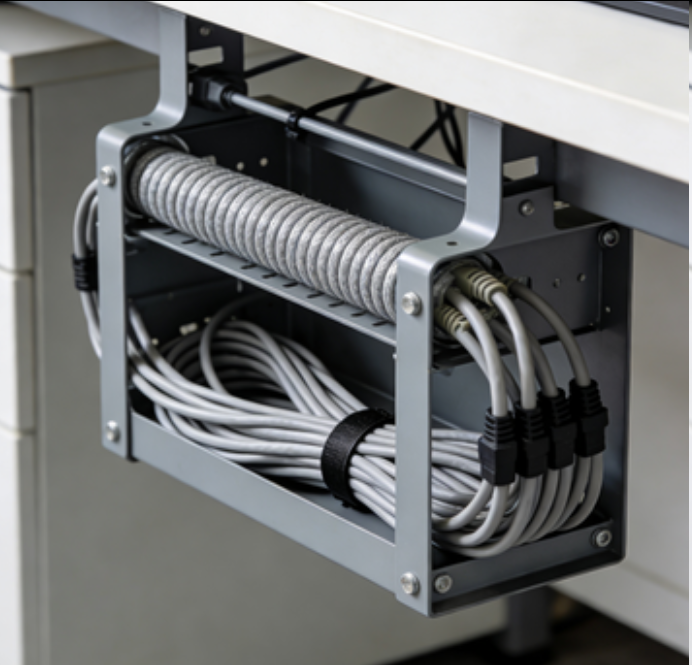
Network Cable Management Under Desk
Dec 25, 202572