- Language
Network Cable Management Under Desk
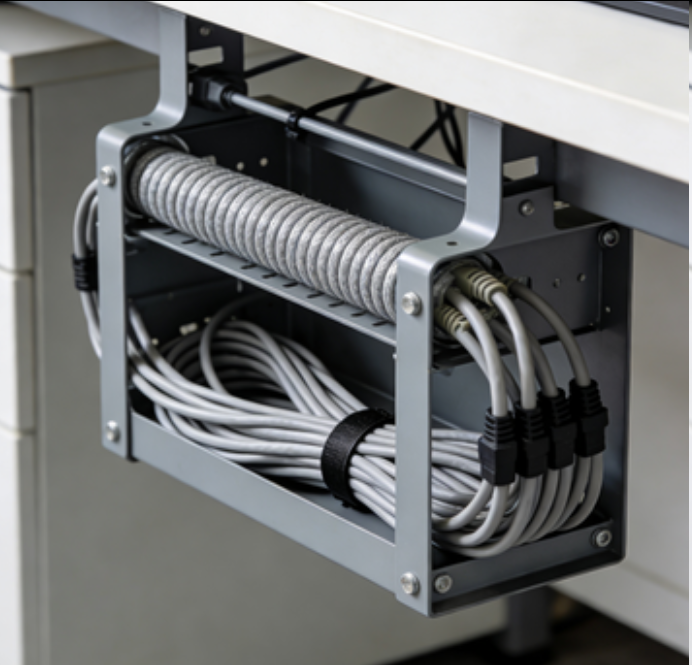
Network cable management under the desk is a crucial aspect of creating a tidy, organized, and functional workspace. In modern offices and home work environments, desks are often cluttered with a multitude of cables from computers, monitors, keyboards, mice, printers, and other peripherals. Without proper management, these cables can become tangled, creating a messy appearance, posing tripping hazards, and potentially causing damage to the cables or connected devices.
One of the primary goals of under - desk cable management is to keep cables off the floor and out of sight. This can be achieved through the use of various tools and techniques. Cable trays are a popular option for under - desk cable management. These trays are typically mounted underneath the desk and provide a flat surface or channels where cables can be laid out and organized. They prevent cables from sagging or dragging on the floor, reducing the risk of damage from foot traffic or accidental pulls. Some cable trays come with adjustable dividers, allowing users to separate different types of cables, such as power cables and data cables, to minimize interference.
Cable clips and holders are also essential for under - desk cable management. Adhesive - backed cable clips can be attached to the underside of the desk or along the legs to secure cables in place and guide them along a specific route. These clips are easy to install and can be used to create a neat and orderly cable layout. Magnetic cable clips are another option, especially useful for metal - framed desks. They attach to the metal surface using magnets, providing a quick and easy way to hold cables in position and reposition them as needed.
In addition to trays and clips, cable sleeves can be employed to further organize and protect cables under the desk. Cable sleeves are flexible tubes that can be used to bundle multiple cables together. They not only keep cables organized but also protect them from abrasion and physical damage. Some cable sleeves are made of fire - retardant materials, adding an extra layer of safety in the workspace.
Under - desk cable management also involves proper cable routing. Cables should be routed in a way that minimizes sharp bends and twists, as these can cause signal degradation in data cables. By carefully planning the cable routes and using the right combination of cable management tools, users can create a clean, organized, and efficient workspace under the desk. This not only improves the aesthetic appeal of the workspace but also makes it easier to access and manage cables, reducing the time and effort required for maintenance and upgrades.
Read recommendations:
Smart Switch Outlet 2 Ways with Wireless APP Remote Control Compatible with Legrand Faceplate
-
-
-
-
-
-
-
-
-
-
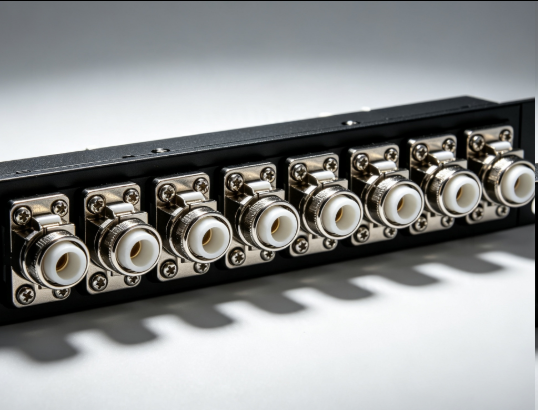
Flange Type Fixed Fiber Optic Adapter for Rack Panel
Sep 19, 2026955
-
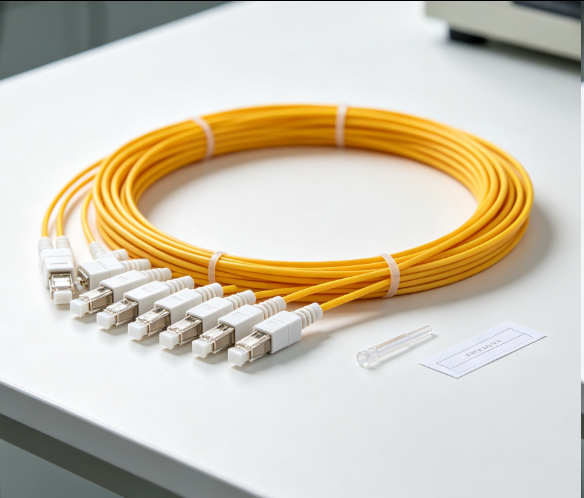
Fiber Pigtail 12 Cores SC UPC Single Mode
Sep 04, 2026930
-
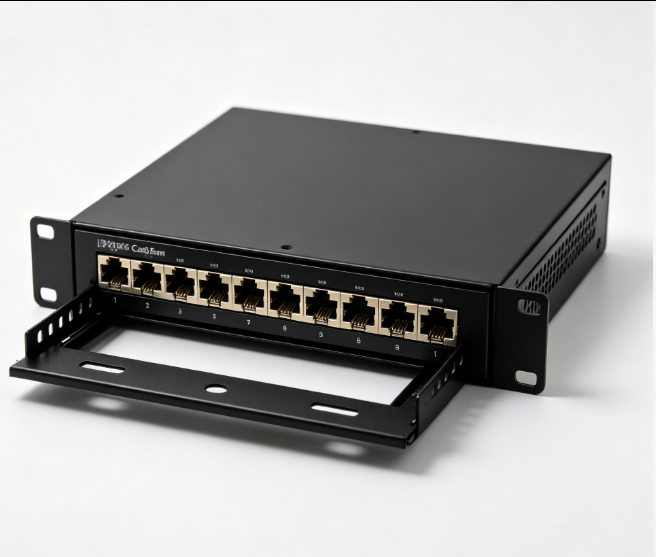
12 Port Cat6 Patch Panel Small Cabinet
Sep 12, 2026929
-
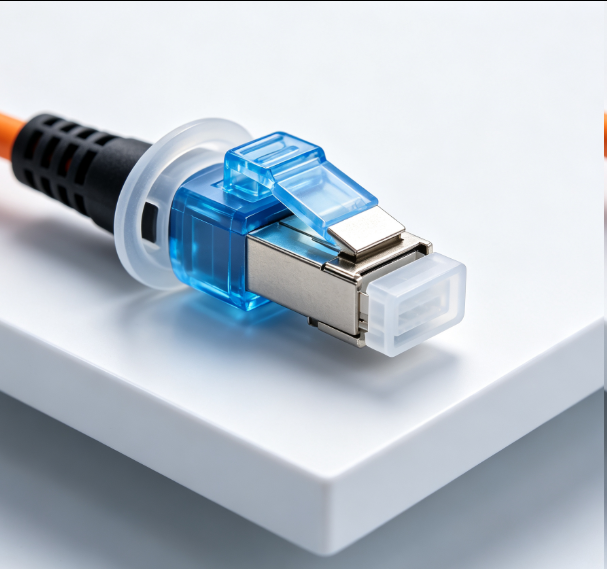
Dust Cap Equipped Fiber Patch Cable Protective
Sep 03, 2026929
-
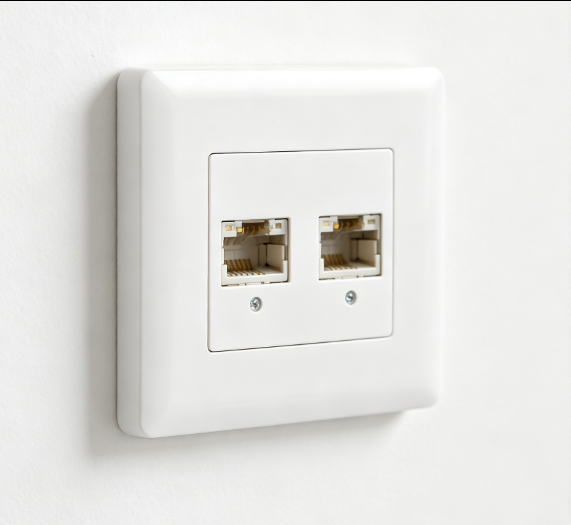
EU Standard Network Faceplate
Sep 11, 2026927