- Language
Network Cable Manager with Cover

A network cable manager with a cover is a specialized cable management solution that offers enhanced protection and a more polished appearance for network cables. The cover serves as a shield for the cables, safeguarding them from various external factors that could potentially damage the cables or disrupt network connectivity.
One of the main functions of the cover on a network cable manager is to protect the cables from physical damage. In a busy network environment, cables are often at risk of being accidentally pulled, snagged, or crushed by equipment or personnel. The cover acts as a barrier, preventing such incidents and ensuring the integrity of the cables. It also provides protection against dust, dirt, and moisture, which can accumulate on the cables over time and lead to signal degradation or electrical failures. By keeping the cables clean and protected, a cable manager with a cover helps to extend the lifespan of the cables and maintain reliable network performance.
In addition to protection, the cover on a network cable manager also improves the overall aesthetics of the network installation. A uncovered cable manager may reveal a jumble of cables, which can make the network rack or cabinet look messy and unprofessional. The cover neatly conceals the cables, giving the installation a clean and organized appearance. This is particularly important in settings where the network infrastructure is visible to clients, visitors, or employees, as it creates a more positive impression of the organization's technical capabilities.
There are different types of covers available for network cable managers. Some covers are made of durable plastic materials, which are lightweight and offer good protection against physical damage and dust. Others may be constructed from metal, providing even greater durability and resistance to impact. The covers can be designed to be removable or hinged, allowing for easy access to the cables when maintenance or cable changes are required. This accessibility ensures that network administrators can still perform necessary operations without having to remove the entire cable manager.
Installation of a network cable manager with a cover is typically straightforward. The cable manager itself is first mounted on the network rack or cabinet using standard mounting methods, and then the cover is attached. Some covers simply snap into place, while others may require screws or other fasteners for a more secure attachment. Once installed, the cable manager with the cover provides a comprehensive cable management solution that combines functionality, protection, and visual appeal. Whether in a small office network or a large - scale data center, a network cable manager with a cover is an effective way to keep network cables organized, protected, and presentable.
Read recommendations:
LEG 77211 Socket Outlet Mosaic German Std 2P+E Auto term - 2 Mod - White Antimicrobial
-
-
-
-
-
-
-
-
-
-
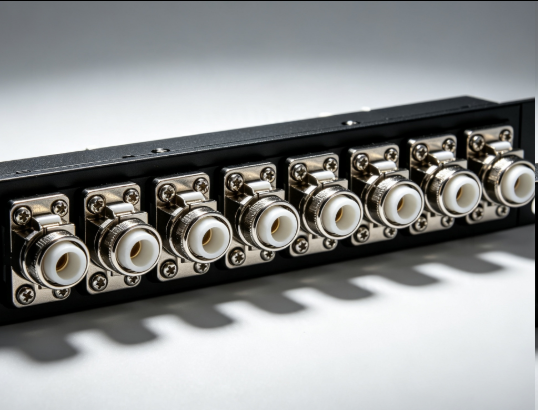
Flange Type Fixed Fiber Optic Adapter for Rack Panel
Sep 19, 2026956
-
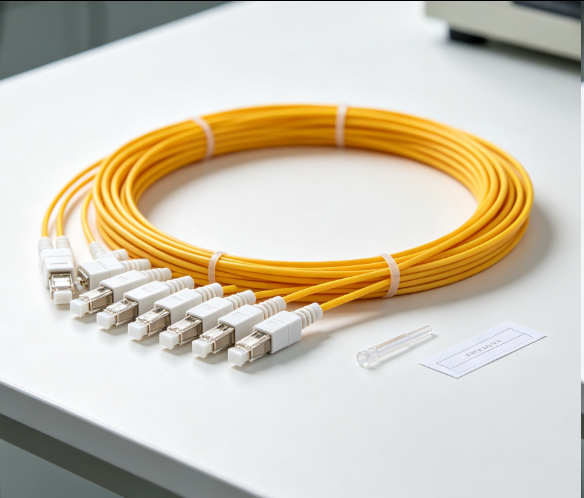
Fiber Pigtail 12 Cores SC UPC Single Mode
Sep 04, 2026930
-
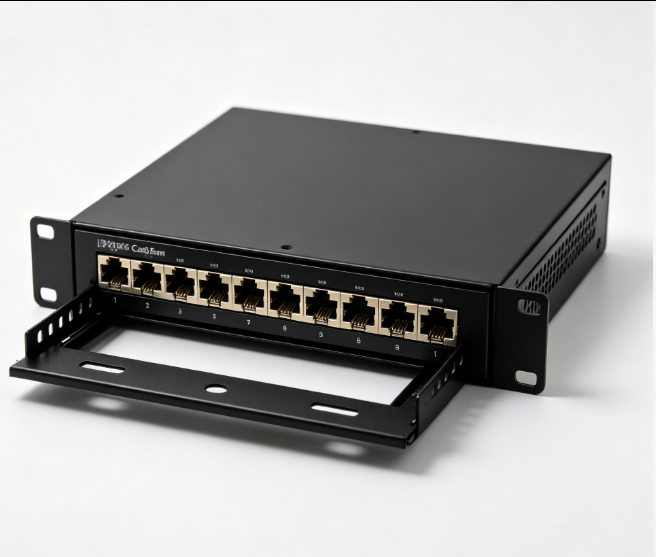
12 Port Cat6 Patch Panel Small Cabinet
Sep 12, 2026929
-
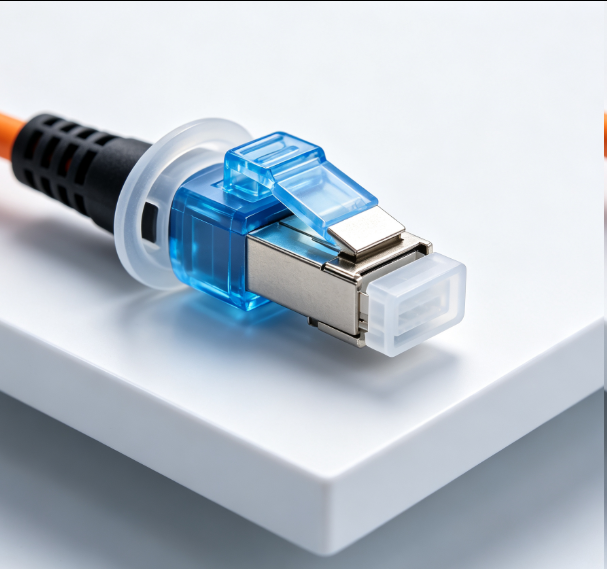
Dust Cap Equipped Fiber Patch Cable Protective
Sep 03, 2026929
-
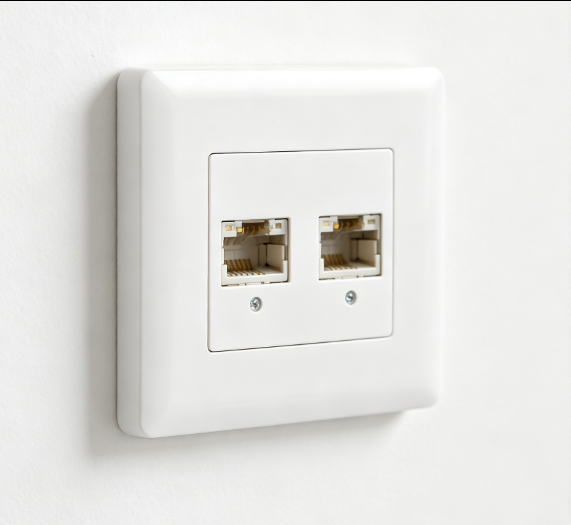
EU Standard Network Faceplate
Sep 11, 2026927