- Language
Network Rack Cabinet Cable Access
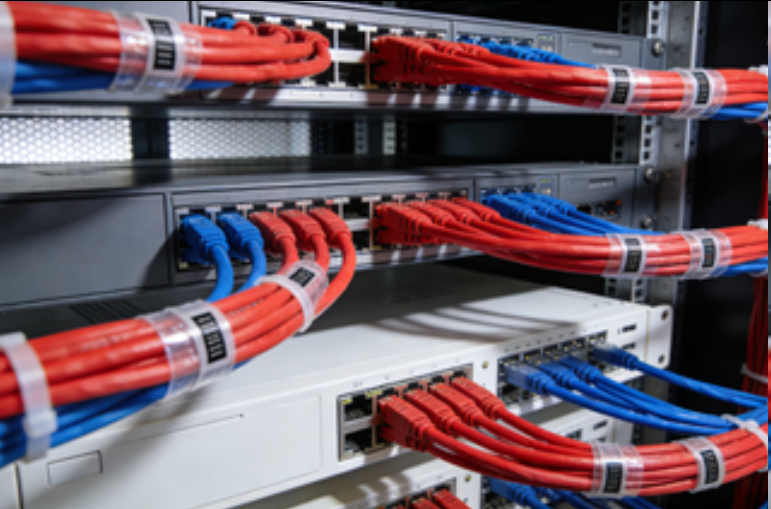
Cable access in a network rack cabinet is a critical aspect that directly impacts the installation, maintenance, and performance of the network infrastructure. Proper cable access design ensures that cables can be easily routed, connected, and managed, reducing the risk of signal interference, cable damage, and network outages. Network rack cabinets incorporate various features and design elements to facilitate efficient cable access.
One of the fundamental aspects of cable access is the presence of cable entry points. Network rack cabinets typically have multiple cable entry holes or knockouts located at the top, bottom, and sometimes on the sides. These entry points are designed to accommodate different types and sizes of cables, including Ethernet cables, power cords, fiber optic cables, and coaxial cables. The holes are often equipped with cable glands or bushings, which not only provide a secure seal to prevent dust and debris from entering the cabinet but also help to strain - relieve the cables, reducing the stress on the connections and preventing damage over time.
Horizontal and vertical cable management systems play a crucial role in organizing cable access within the cabinet. Horizontal cable managers are usually installed above or below the equipment mounting rails. They feature a series of slots or channels where cables can be neatly routed and secured as they connect to the front - facing ports of the devices. This helps to keep the cables organized, prevent tangling, and ensure that they do not obstruct the airflow within the cabinet. Vertical cable managers, on the other hand, are mounted alongside the cabinet's side panels. They provide a structured pathway for cables that run up and down the rack, allowing for easy separation and alignment of different cable types. By using these cable management systems, technicians can ensure that cables are properly organized, making it easier to identify, connect, and troubleshoot individual cables.
In addition to cable management systems, some network rack cabinets feature cable trays or ladders. Cable trays are flat, open - bottomed structures that are installed on the top or bottom of the cabinet. They provide a large surface area for routing and supporting multiple cables, making it ideal for high - density cable installations. Cable ladders, with their rungs - like structure, offer a similar function but are more suitable for heavier cables, as they can distribute the weight evenly. These cable - supporting structures not only simplify cable routing but also make it easier to add, remove, or replace cables as the network infrastructure evolves.
Another important consideration in cable access is the accessibility of the cable connections. Removable side panels, front and rear doors, and sometimes even removable roof or floor panels in some cabinet designs, provide technicians with easy access to the back of the equipment and the cable connections. This allows for convenient installation, maintenance, and reconfiguration of the cables. Some cabinets may also feature cable management arms that can be extended to bring the cables closer to the technician, further enhancing accessibility during installation and troubleshooting tasks.
Overall, effective cable access in a network rack cabinet is essential for maintaining a reliable and organized network infrastructure. Through well - designed cable entry points, comprehensive cable management systems, and easy - access features, network rack cabinets ensure that cables can be managed efficiently, reducing the risk of cable - related issues and contributing to the overall performance and longevity of the network.
Read recommendations:
8P8C UTP 180 Degree Toolless RJ45 Cat6 Keystone Jack
LEG 77214 Socket Outlet Mosaic German Standard 2P+E Screw Terminals 2 Modules Red Tamperproof
RSH Graffiti Zigbee Bluetooth Mesh Three in One Multimode Gateway
-
-
-
-
-
-
-
-
-
-
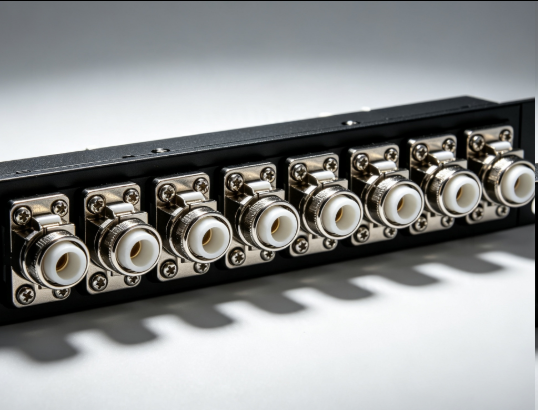
Flange Type Fixed Fiber Optic Adapter for Rack Panel
Sep 19, 2026955
-
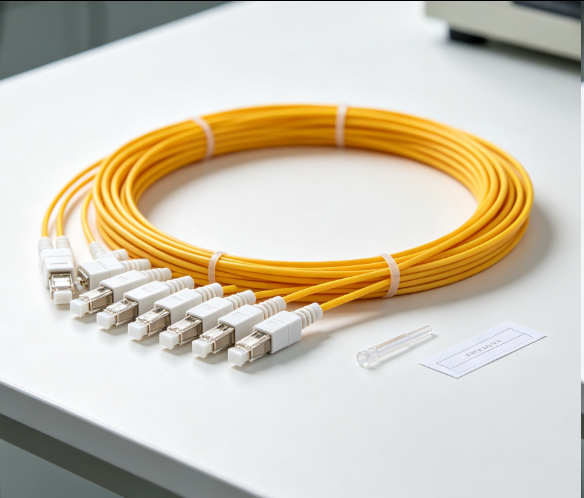
Fiber Pigtail 12 Cores SC UPC Single Mode
Sep 04, 2026930
-
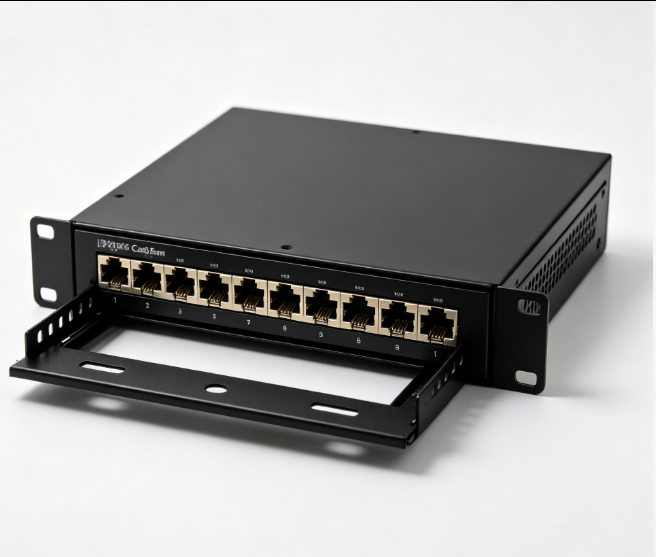
12 Port Cat6 Patch Panel Small Cabinet
Sep 12, 2026929
-
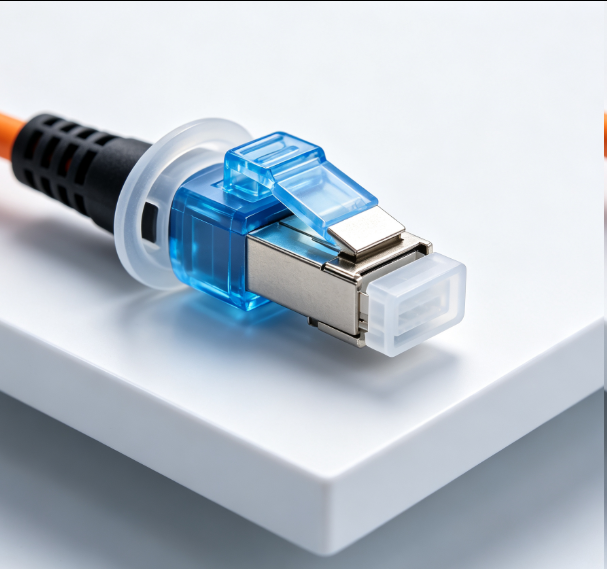
Dust Cap Equipped Fiber Patch Cable Protective
Sep 03, 2026929
-
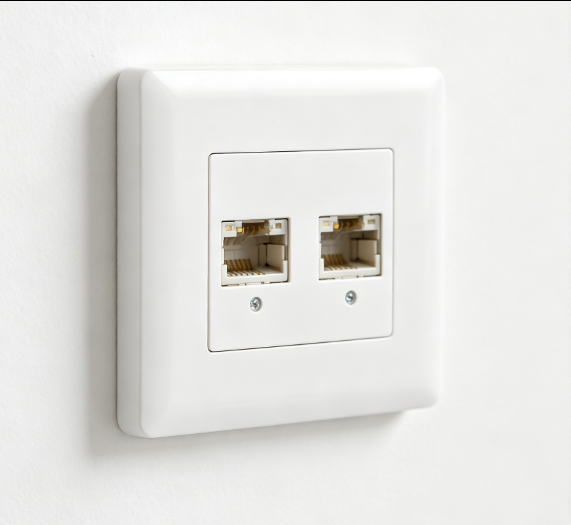
EU Standard Network Faceplate
Sep 11, 2026927