- Language
RJ45 Connector Troubleshooting
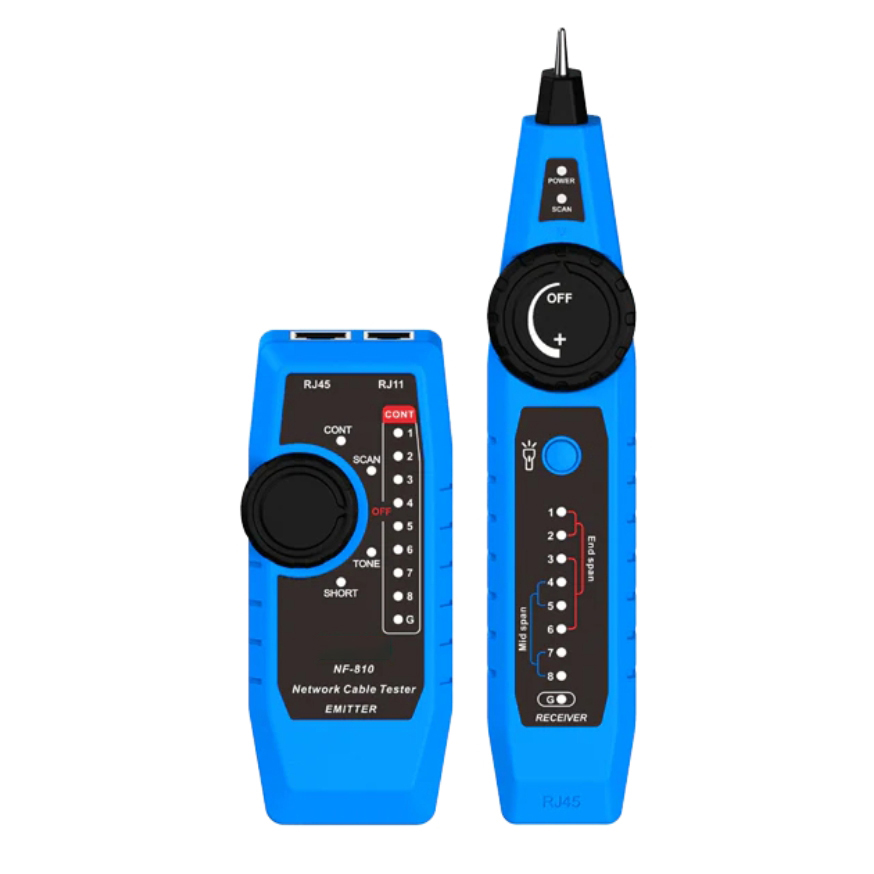
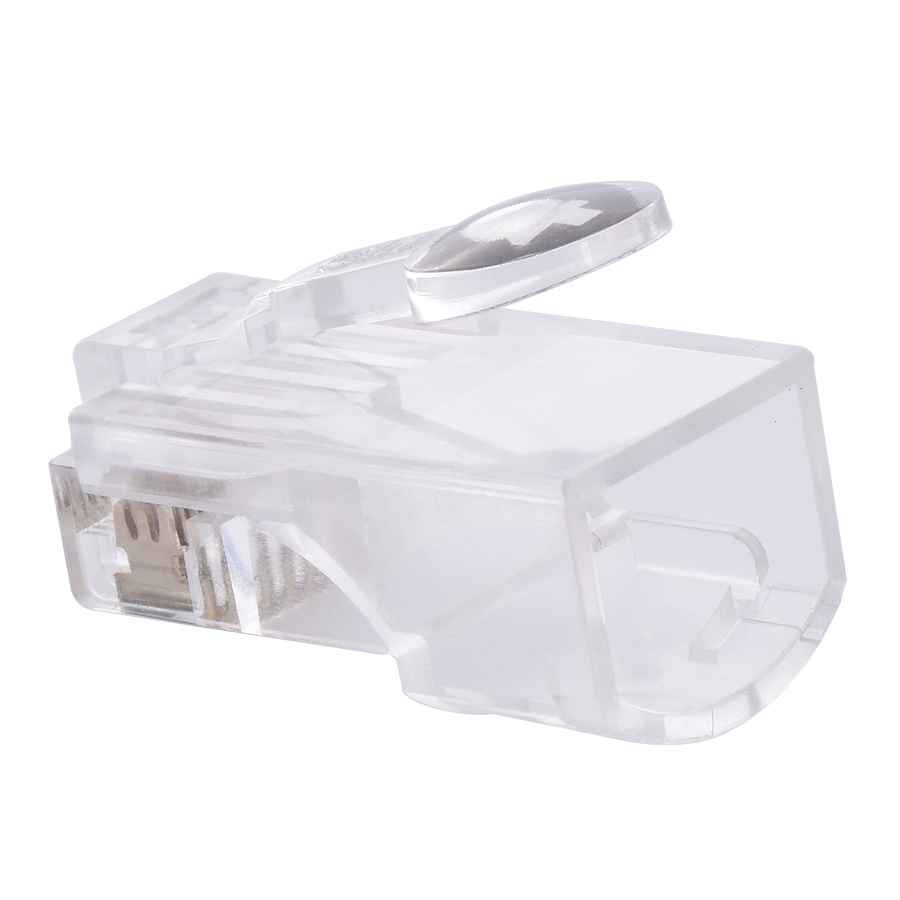
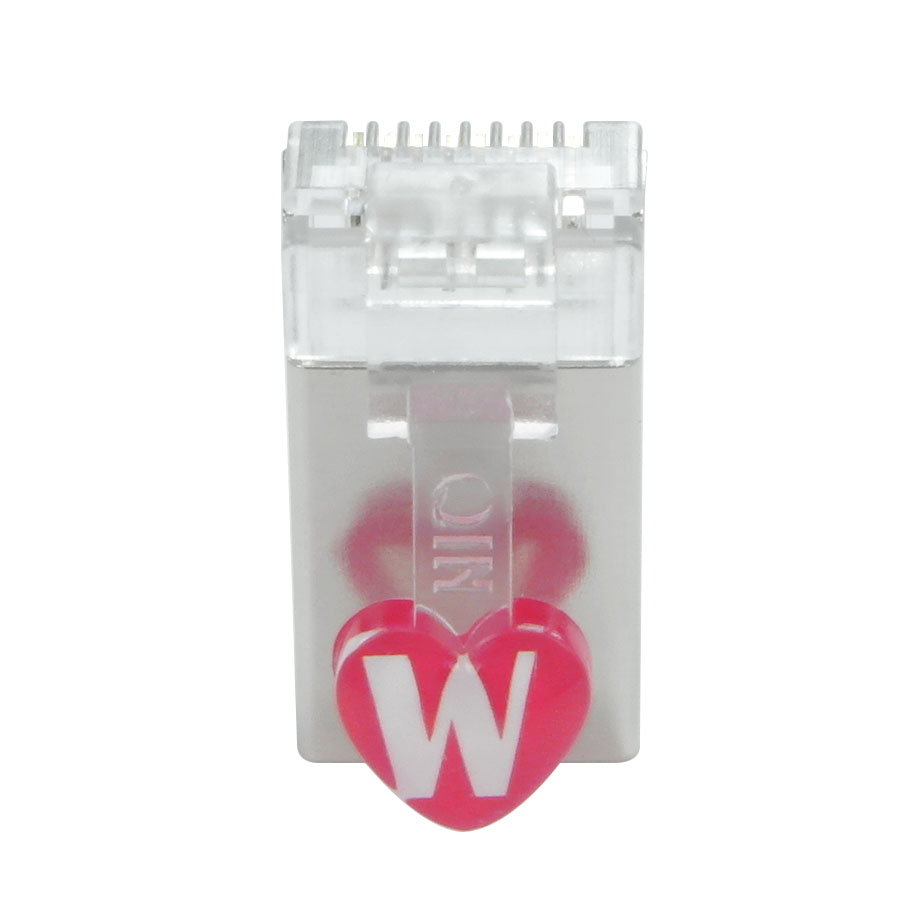
Troubleshooting RJ45 connectors is an important skill for network technicians and users alike, as issues with these connectors can often lead to network connectivity problems, slow data transfer speeds, or complete network outages. Identifying and resolving problems related to RJ45 connectors requires a systematic approach and an understanding of common failure points.
One of the most common issues with RJ45 connectors is a loose connection. Over time, frequent plugging and unplugging of cables or physical movement can cause the connector to become loose in the port. To check for this, gently wiggle the cable while it's plugged into the device. If the connection seems unstable or if the network connection drops when the cable is moved, the connector may need to be re - seated. Unplug the cable carefully and then plug it back in firmly, ensuring that it clicks into place. In some cases, a damaged or worn - out port on the device may also cause a loose connection, and in such situations, the port may need to be repaired or replaced.
Another common problem is incorrect wiring. If the wires within the RJ45 connector are not arranged according to the correct pinout standard (either T568A or T568B), or if there are misaligned or crossed wires, it can lead to data transmission issues. To troubleshoot this, first, visually inspect the connector to check if the wires are properly arranged. If possible, use a wire order checker tool to verify the wiring. If the wiring is incorrect, the connector may need to be re - terminated. This involves removing the old connector, stripping the cable again, arranging the wires correctly, and crimping on a new RJ45 connector.
Corrosion or oxidation of the pins in the RJ45 connector can also cause problems. Exposure to moisture, dust, or other environmental factors can lead to the formation of a thin layer of oxide on the pins, which reduces conductivity. To address this, if the connector is removable, you can use a specialized contact cleaner or a cotton swab lightly dampened with isopropyl alcohol to clean the pins. Gently wipe the pins to remove any dirt or oxidation. However, if the corrosion is severe, it may be necessary to replace the connector.
In some cases, network connectivity issues may be due to a damaged cable. A cable that has been bent too sharply, crushed, or cut can have internal breaks or shorts, affecting the connection at the RJ45 connector. To test for a damaged cable, use a network cable tester. The tester can identify open circuits (where there is a break in the wire), short circuits (where two or more wires are connected incorrectly), or other wiring faults. If the cable is found to be damaged, it should be replaced with a new one. Overall, troubleshooting RJ45 connectors involves a combination of visual inspection, testing, and repair or replacement of faulty components to restore reliable network connectivity.
Read recommendations:
LEG 77211 Socket Outlet Mosaic German Std 2P+E Auto term - 2 Mod - White Antimicrobial
-
-
-
-
-
-
-
-
-
-
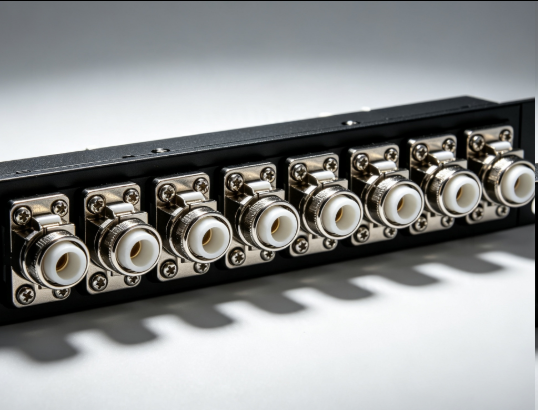
Flange Type Fixed Fiber Optic Adapter for Rack Panel
Sep 19, 2026955
-
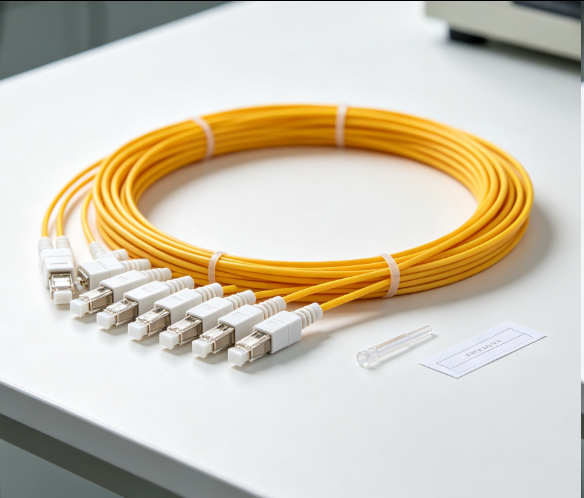
Fiber Pigtail 12 Cores SC UPC Single Mode
Sep 04, 2026930
-
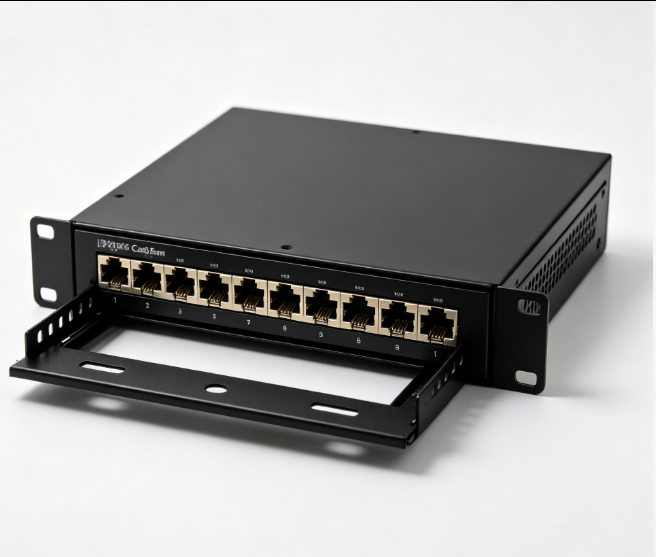
12 Port Cat6 Patch Panel Small Cabinet
Sep 12, 2026929
-
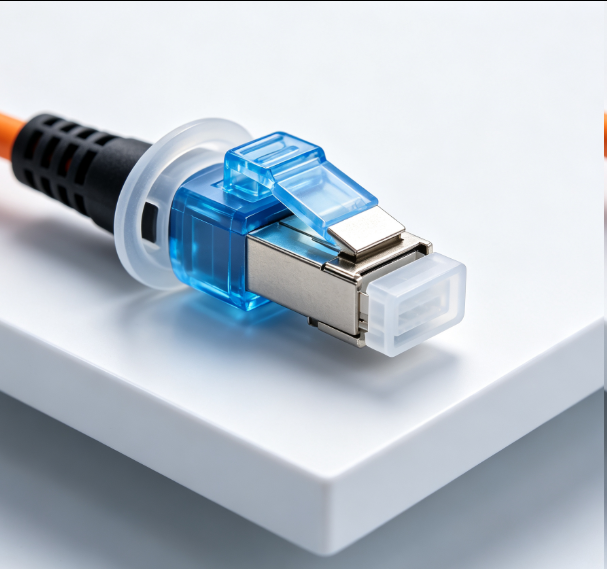
Dust Cap Equipped Fiber Patch Cable Protective
Sep 03, 2026929
-
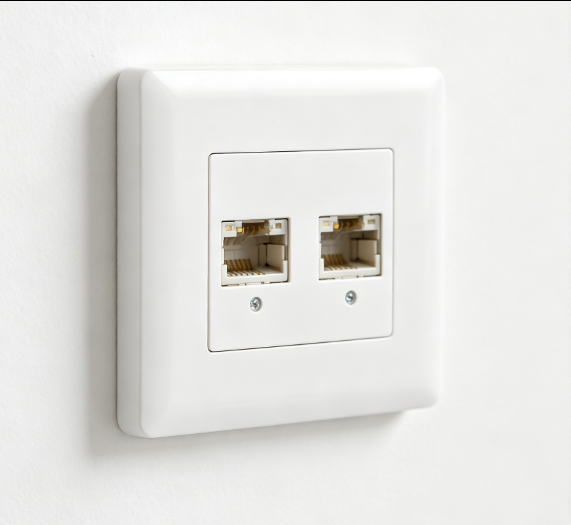
EU Standard Network Faceplate
Sep 11, 2026927