- Language
Manual Keystone Correction for Projectors
Keystone correction is a key function to solve distorted projection images. When the projector cannot be placed horizontally and centered facing the screen, the projected rectangle image will become a trapezoid with uneven sides. Manual keystone correction allows users to fine-tune the image shape manually to restore a standard rectangular picture, ensuring a regular and clear viewing frame.
Before manual correction, first adjust the basic position of the projector to minimize image distortion, avoid excessive correction which will reduce image clarity. Then enter the projector’s system settings interface, find the "Keystone Correction" option, and switch from automatic correction mode to manual correction mode. Most home projectors support four-point keystone correction, which can independently adjust the four corners of the image.
During adjustment, select any corner of the distorted image, and fine-tune its position through the remote control direction keys, so that the four sides of the image are completely aligned with the screen border. After adjusting the four corners in turn, check whether the upper and lower, left and right sides of the image are parallel, and confirm that there is no blank edge or overflow screen. Finally, save the correction parameters. Manual correction is suitable for scenarios where the projector position is offset for a long time. Accurate fine-tuning can make up for the position deviation and restore the optimal display effect of the picture.
-
-
-
-
-
-
-
-
-
-
Cat5e Short Network Cable Dedicated for Direct Device Connection
Jun 16, 2026672
-
CAT6 FTP Gigabit Network Cable
Jun 11, 2026560
-
Fire-resistant Optical Fiber Cable
Jun 24, 2026520
-
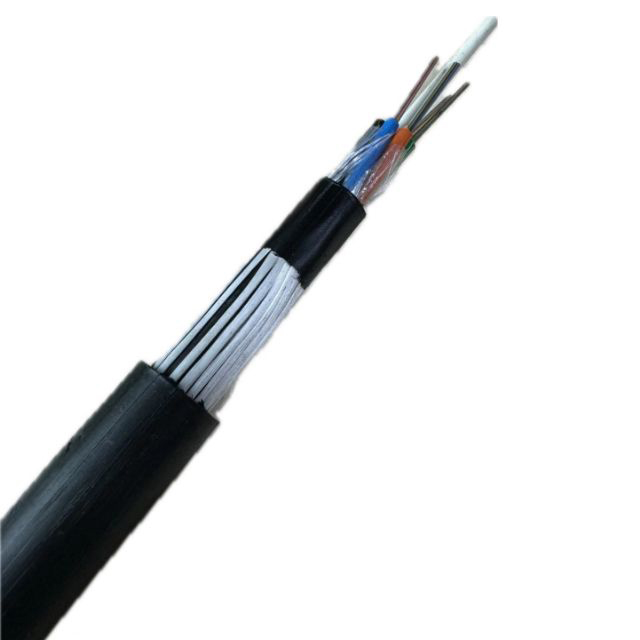
FTTH Anti-rodent Fiber Optic Cable
Jun 03, 2026512
-
Silver Plated Connector Network Patch Cord
May 27, 2026486