- Language
RJ45 Cable Tester with LCD Screen
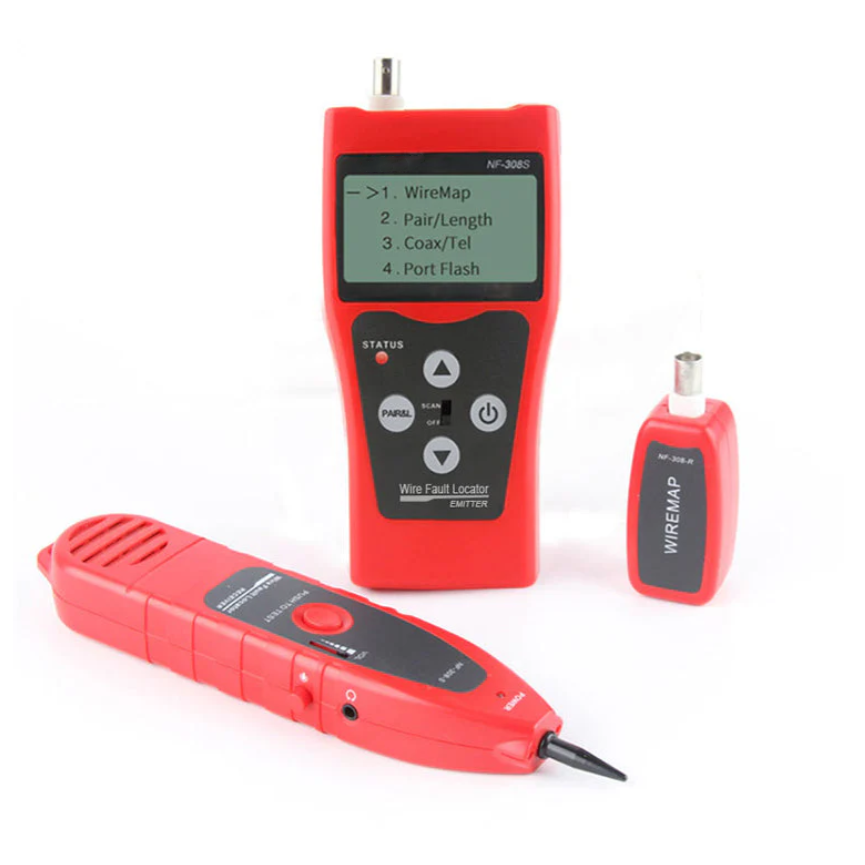
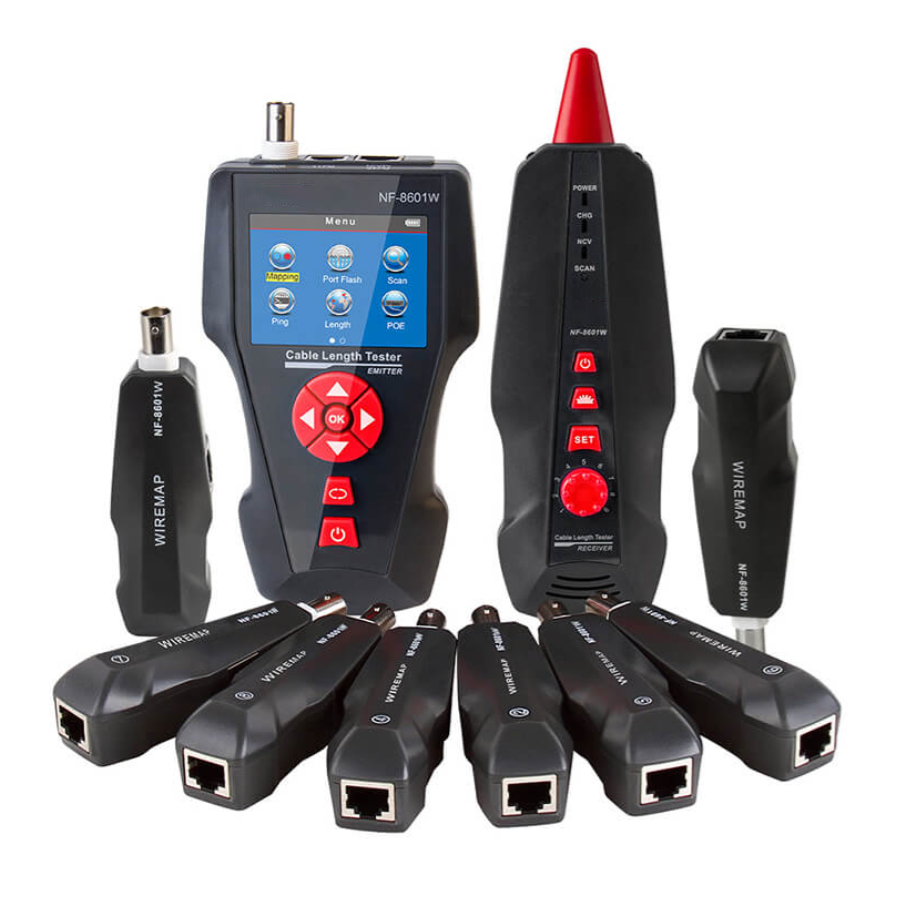
The RJ45 cable tester equipped with an LCD (Liquid Crystal Display) screen represents a significant advancement in network testing equipment, offering enhanced functionality, user - friendliness, and detailed information display compared to traditional cable testers. This type of tester has become increasingly popular among network technicians, installers, and enthusiasts due to its ability to provide clear and comprehensive test results at a glance.
One of the primary advantages of an RJ45 cable tester with an LCD screen is its intuitive display. Unlike older testers that rely on simple LED indicators to show basic pass/fail results, the LCD screen can present a wealth of information in a more organized and understandable format. When testing an Ethernet cable, the LCD screen can display detailed results for each wire pair, indicating whether there are open circuits, short circuits, or incorrect wiring. For example, it can clearly show which specific wire is broken in the case of an open circuit, or which pairs are crossed in the event of a wiring error. This detailed information helps technicians quickly diagnose the problem and take appropriate corrective actions, saving a significant amount of time during network installation and troubleshooting processes.
The LCD screen also allows for more advanced features and settings to be displayed and adjusted. Many modern cable testers with LCD screens offer multiple testing modes, such as basic connectivity testing, cable length measurement, and even cable quality assessment. The LCD screen provides an interface for users to select these different modes, view the corresponding test results, and configure additional settings. For instance, some testers can measure the length of the cable and display the result on the LCD screen, which is extremely useful for network planning and installation, ensuring that the cables used are of the appropriate length for the network layout.
In addition to displaying test results, the LCD screen can also show additional information such as battery status, firmware version, and calibration data. This comprehensive display helps users keep track of the tester's performance and maintenance requirements. For example, being able to see the battery status on the LCD screen allows technicians to know when it's time to recharge or replace the batteries, preventing unexpected interruptions during testing. Moreover, some LCD - equipped cable testers can store and recall previous test results, which is valuable for record - keeping and comparison purposes, especially in large - scale network installations where multiple cables need to be tested and documented.
The visual clarity and ease of use provided by the LCD screen make it accessible to both experienced technicians and those new to network testing. The graphical user interface (GUI) on the LCD screen is often designed to be intuitive, with clear icons and labels that guide users through the testing process. This reduces the learning curve associated with using the cable tester, enabling users to quickly start testing cables and obtain accurate results. Overall, the RJ45 cable tester with an LCD screen offers a more efficient, informative, and user - friendly solution for testing Ethernet cables, enhancing the effectiveness of network installation, maintenance, and troubleshooting tasks.
Read recommendations:
JACK C6 180 Degree Rotary Type, cat6 Toolless keystone jack
LEG 572123 Multi Standard Socket - 2P+E Unswitched - Shuttered - 2 Modules - White
RSH Graffiti Zigbee Bluetooth Mesh Three in One Multimode Gateway
Cat6a Patch Leads: Technical Specifications & Core Advantages
-
-
-
-
-
-
-
-
-
-
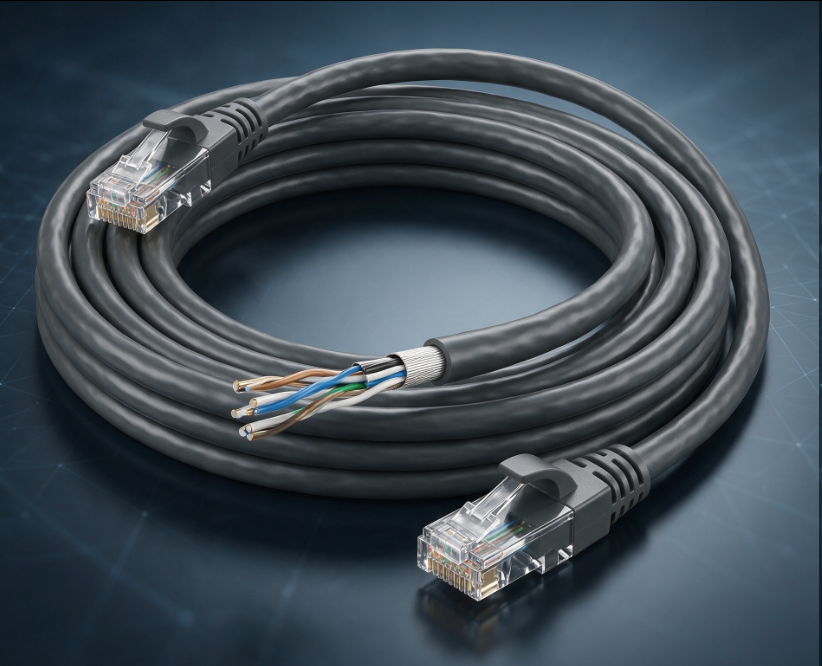
CAT6 Ethernet Gigabit Cable
Aug 15, 2026907
-

Media Converter Network Patch Cord
Jun 27, 2026906
-
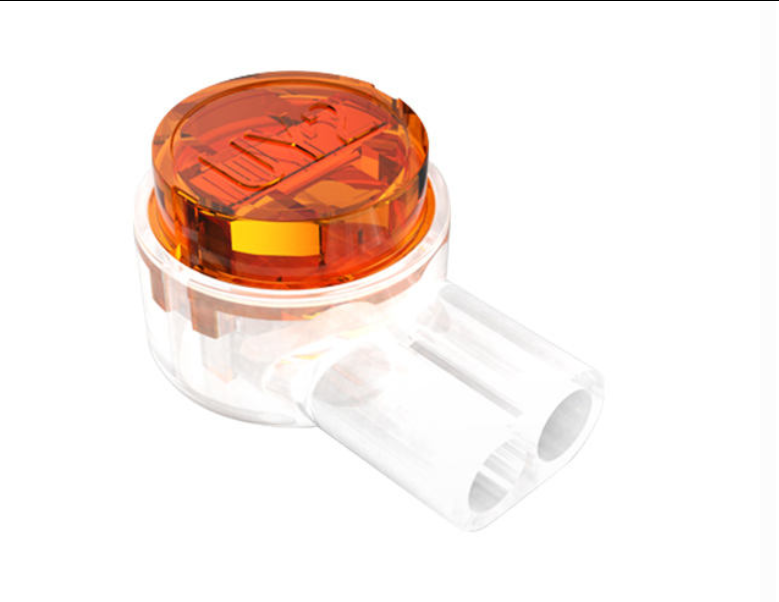
UY2 Connector for Telephone Wire
Jul 08, 2026897
-
Network Cable Bandwidth Capacity
Jul 06, 2026897
-
Flame Retardant Cat7 Boot Cover
Jul 14, 2026888